Hi there,
Here is the procedure to update your firmware:
First of all, you have to acknowledge all the alarms.
Download the latest V3 Lifescience firmware:
Firmware
Extract the files.
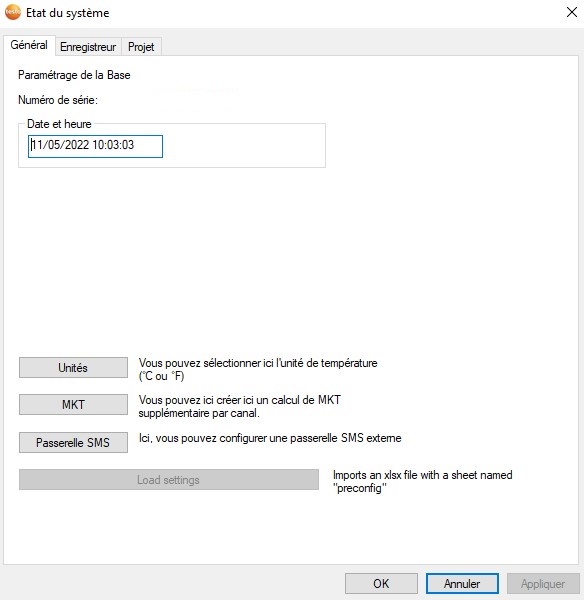
Open the testo Saveris Startup Wizard :
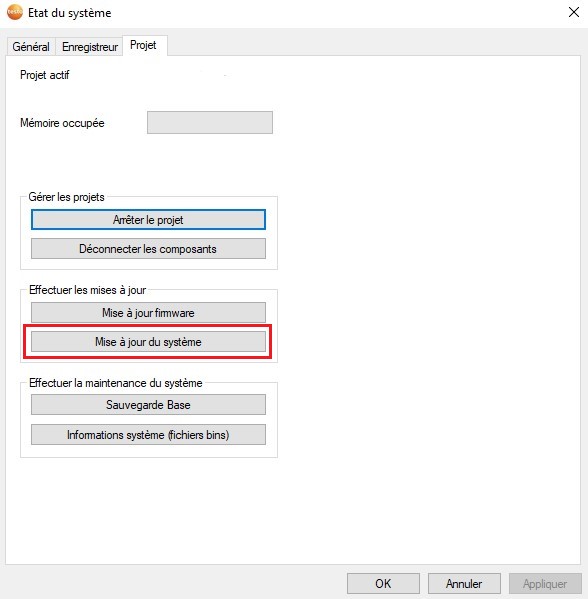
Project tab, System update:
Choose the firmware directory :
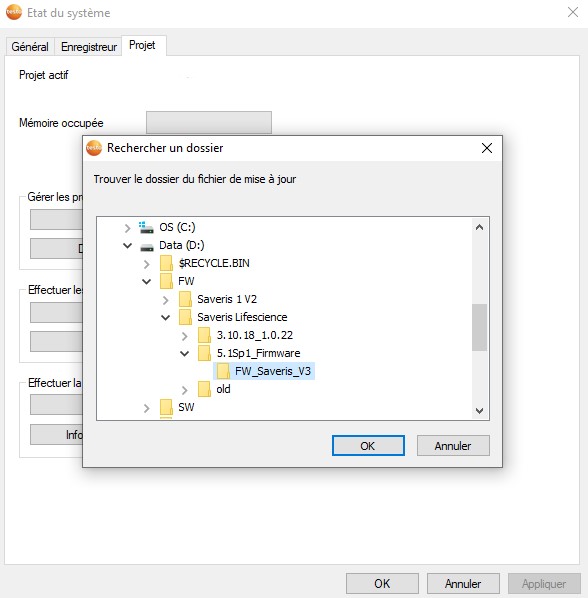
After selecting the correct directory, you must wait:
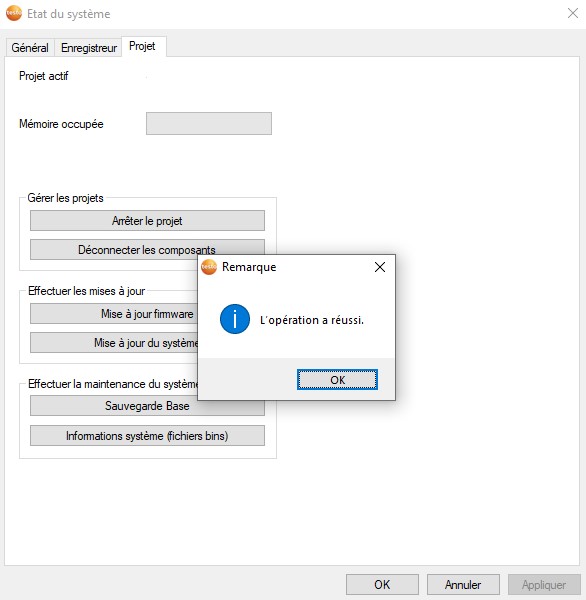
A successful operation window should appear.
Opmerkingen
0 opmerkingen
U moet u aanmelden om een opmerking te plaatsen.